Cutanova
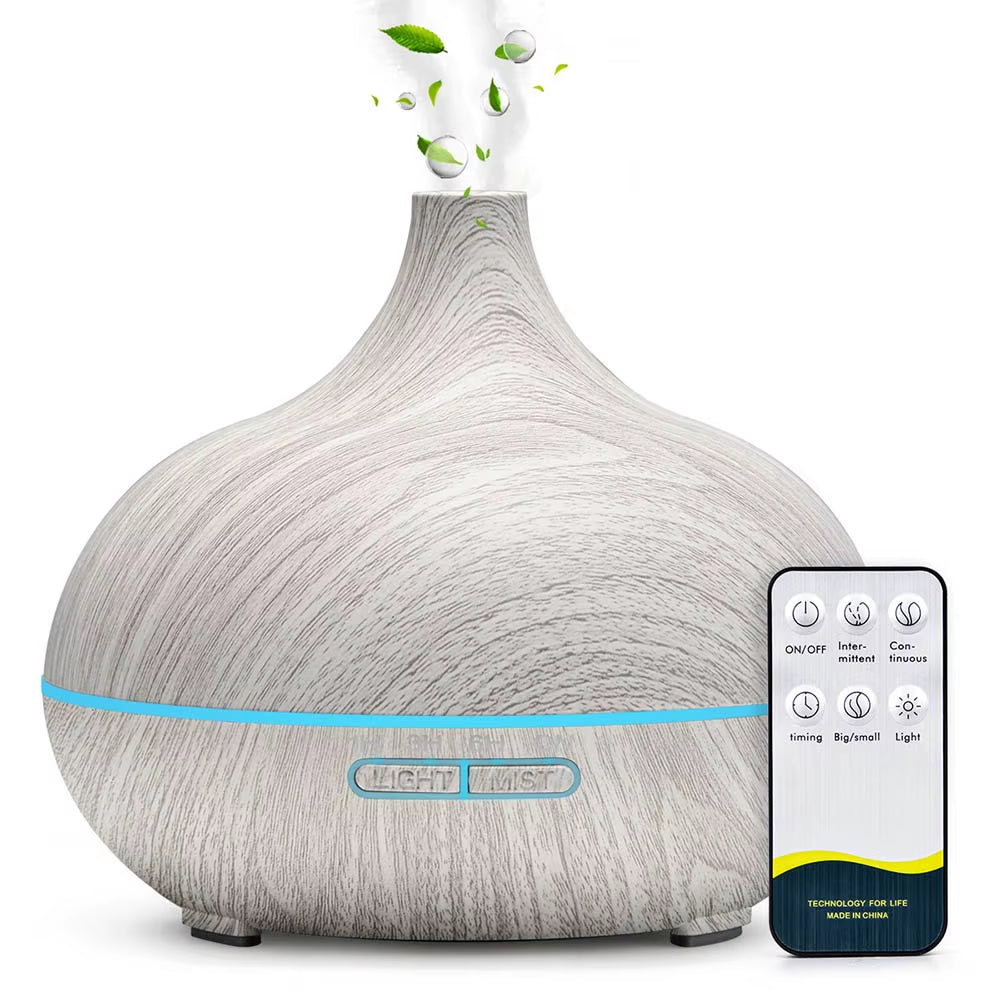
Air Humidifier Essential Oil Diffuser 500ML with Lights Remote Control Ultrasound Electric Aromatherapy Diffuser
Air Humidifier Essential Oil Diffuser 500ML with Lights Remote Control Ultrasound Electric Aromatherapy Diffuser
Couldn't load pickup availability
Note:
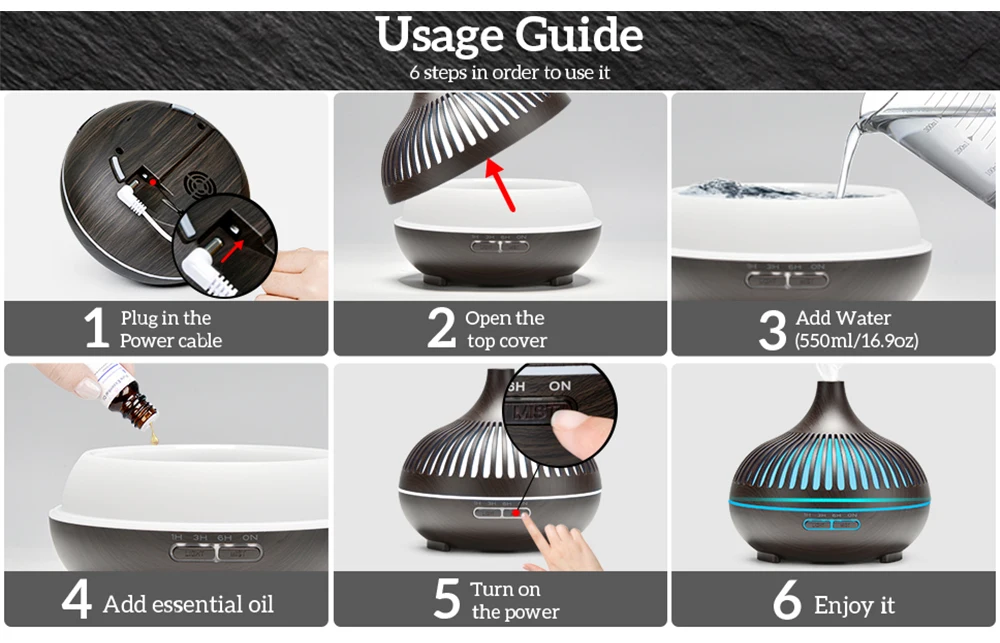
This product does not have a built-in battery, you need to plug in a USB cable when using it.
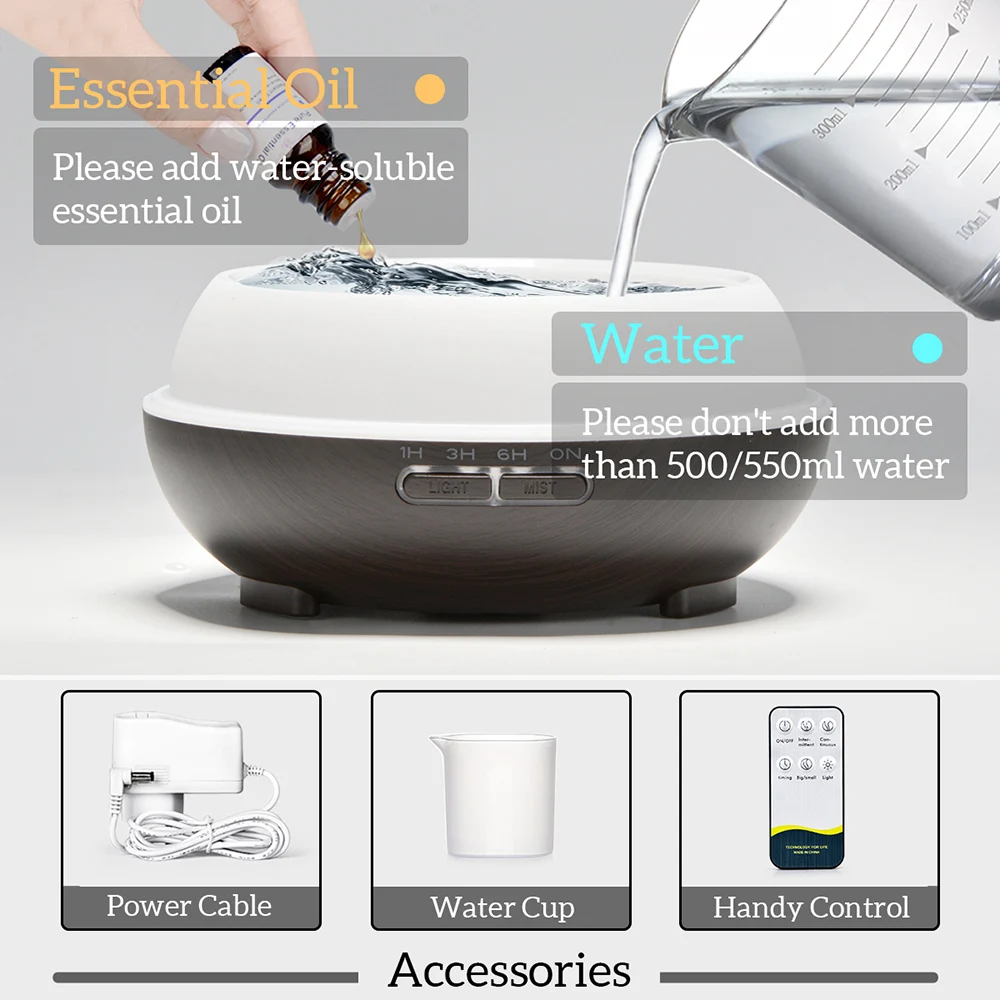
The remote control needs to be inserted into batteries.(The remote control itself does not include batteries.)
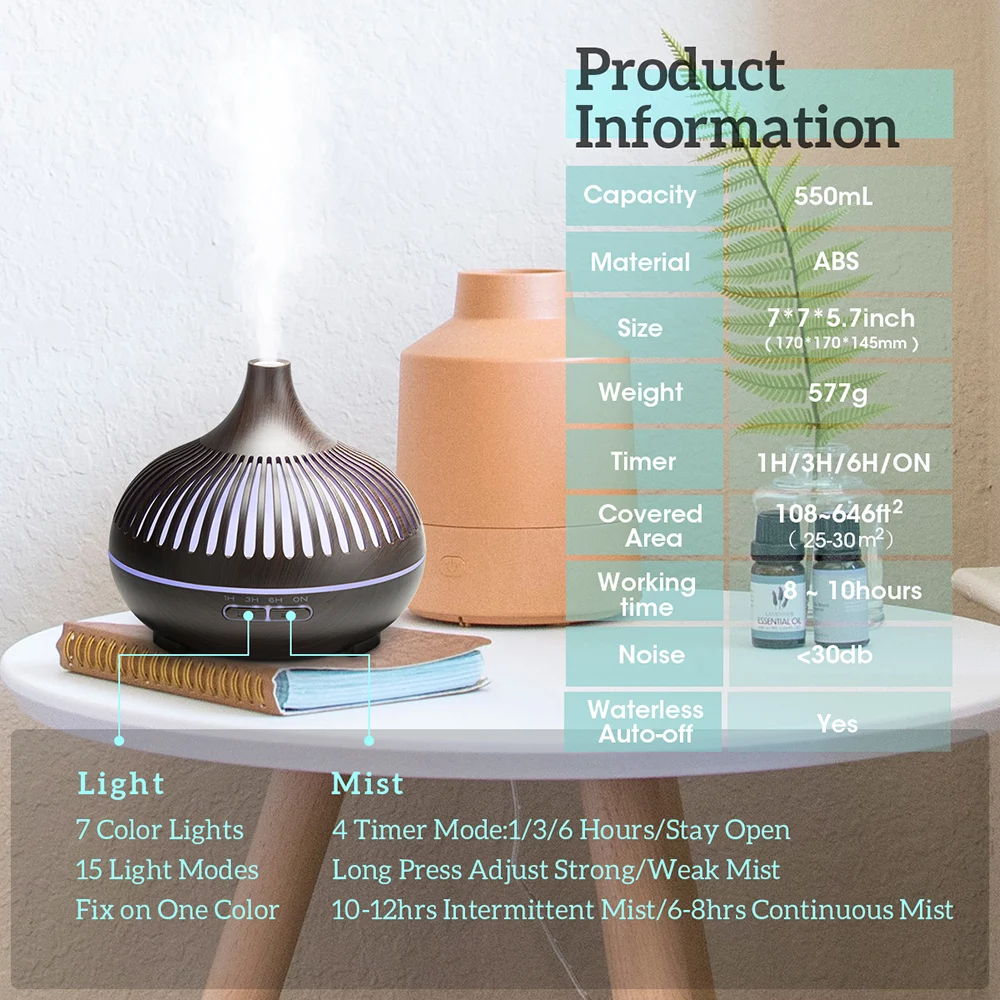
Light button LIGHT
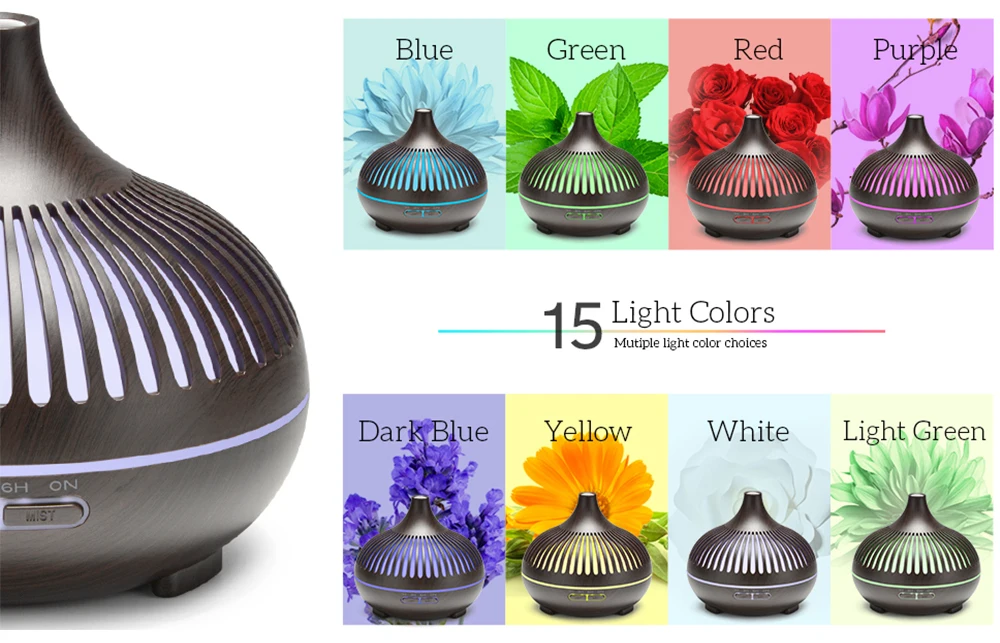
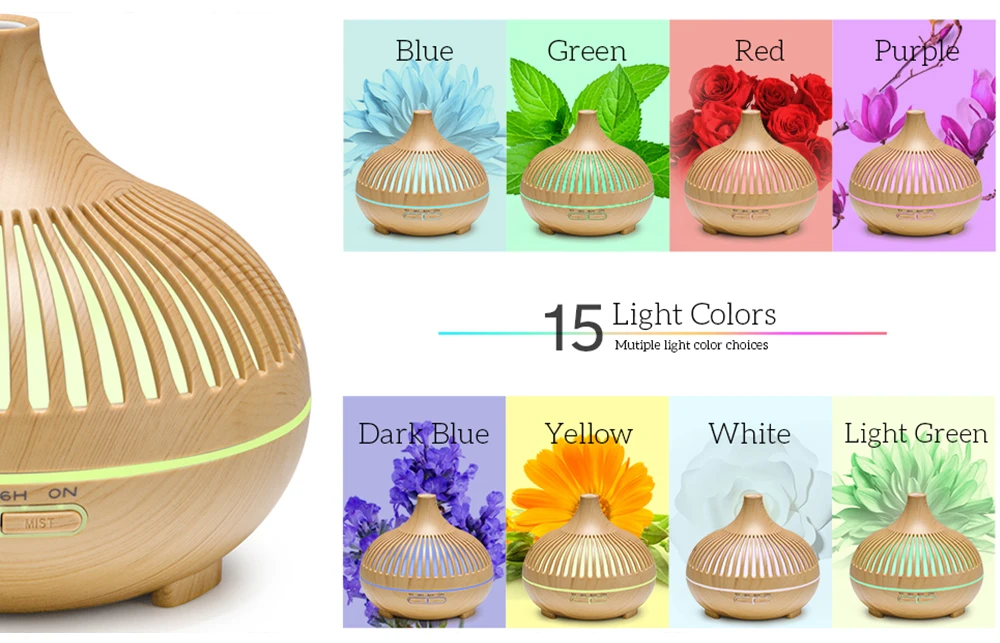
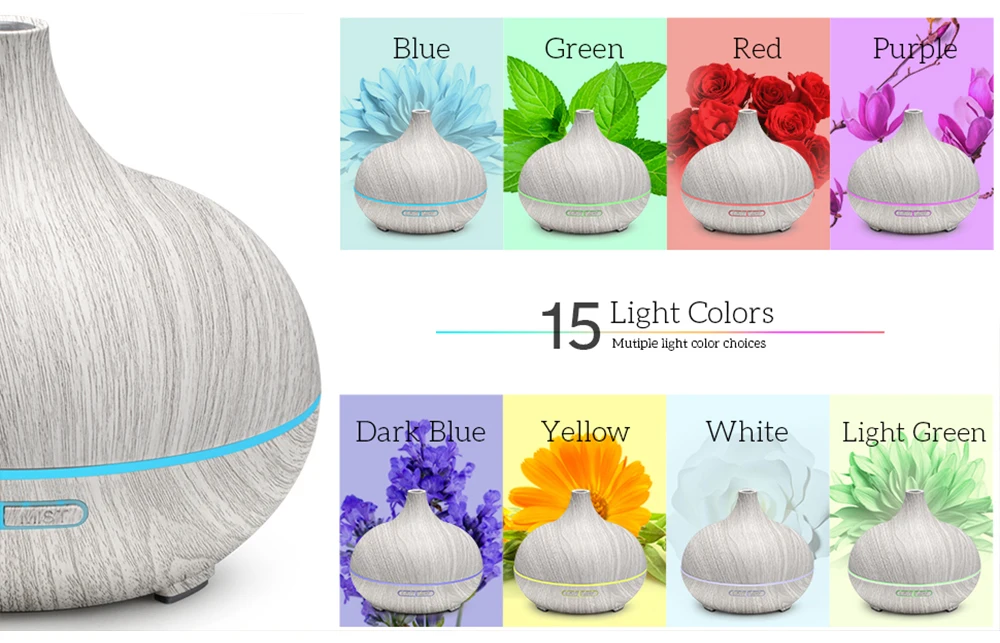
Press the first click: the lights are constantly colorful (red, orange, yellow, green,Cyan, blue, purple, white, red cycles)
Press the second time: the light is locked in the current color. After that, every time you press-down, Transform-A color until the light is turned off.
Keep pressing for a long time: the lights are turned off directly
Spray button MIST
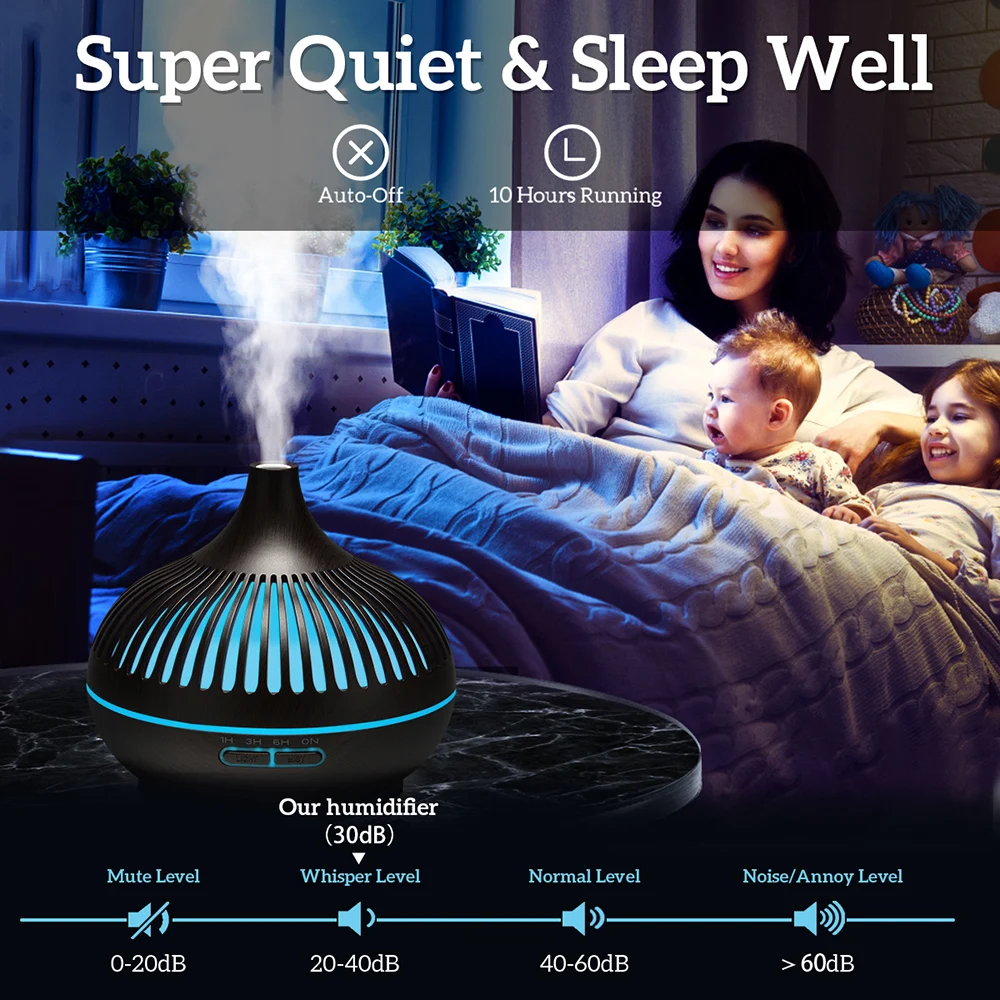
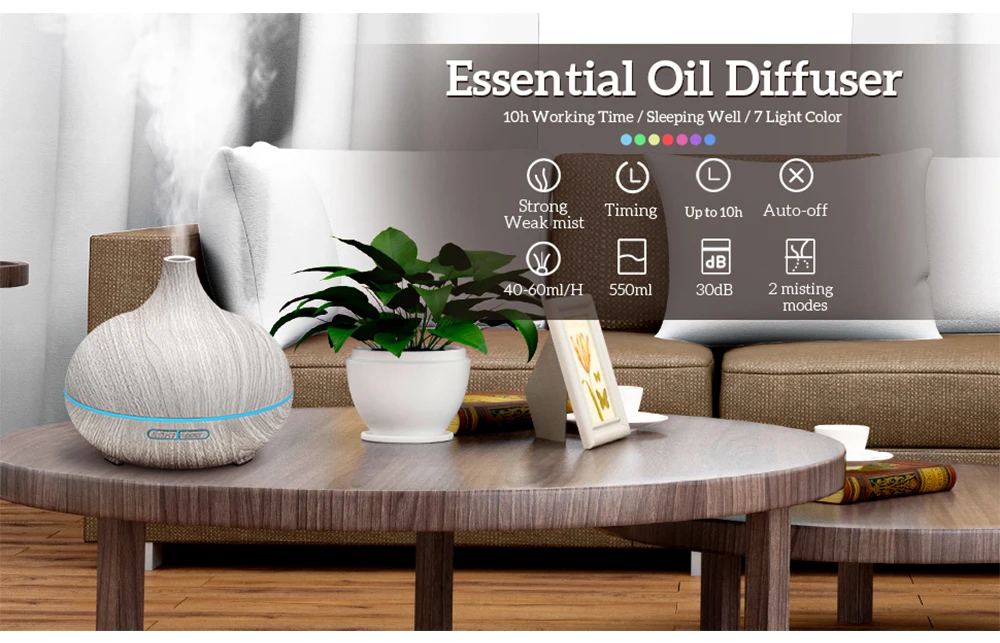
Press the first click: enter the atomization function, the corresponding indicator light is on. Turn on 1 hour timing continuous atomization mode.
Press the second time: the corresponding indicator light is on and the time is turned on for 3 hours Continuous atomization mode.
Press the third time: the corresponding indicator light is on and the 6-hour timing is turned on Continuous atomization mode.
Press the fourth time: the corresponding indicator light is on and continuous atomization is turned on Mode.
Press the fifth time: atomization function stops, indicator light goes out, color The lights remain in their original state.
How it works
How it works
Apply a small amount to clean, dry skin. Gently massage until fully absorbed. Use daily for best results.
Feature summary
Feature summary
Deep multi-layer hydration
Helps improve moisture retention
Supports smoother, softer-looking skin
Helps improve the appearance of elasticity
Shipping policy
Shipping policy
Return policy
Return policy